Ultramarine 44 launches bug fixes, new tech, and polish to your system.
Don't care for reading? Upgrade from your app store or download now!
Edition Updates
Plasma
We have gotten tons of feedback and praise for switching to Plasma as our recommended Edition. This release comes with Plasma 6.7, the new Union theme engine, performance improvements, and bug fixes galore.
Budgie
Budgie has made the switch to Wayland! It now sports the SDDM window manager and a new Bluetooth app. This was the second to last Edition to be stuck on X11, so we're really excited to finally modernize it.
If you're upgrading from 43 you'll be prompted to visit this wiki page and follow its instructions, we were not able to automatically transition users to SDDM for stability reasons, but you can follow our simple instructions to switch.
GNOME
We've made a couple improvements to GNOME Edition that make things significantly better. Most notably, we fixed that annoying "Window is Ready" notification, now a window will just focus itself like it would on the other editions.
We're also enabling the minimize and maximize buttons on every window by default, adding calculator support to the overview search, and showing the battery percentage in the panel on laptops.
Sadly in this release we had to drop Pop!_Shell, it's no longer maintained and we found that a really small number of users actually use it. You can still install it with dnf, or try a similar extension, but your mileage may vary.
New Release Model
In Ultramarine 44 we're shifting to a new release model. We have some great features planned for this summer, from the public preview of Ultramarine Atomic to some new hardware ports.
We're still doing releases to coincide with Fedora, bringing the latest and greatest packages, and big changes to the Editions, but we'll be shipping more features throughout the year as they're ready.
This change allows us to keep momentum up, and stop the stallout that happens between releases and causes delays.
New Extra Wallpapers
We swapped out our extra wallpapers in this release! Including Earthset as taken by Artemis 2 astronaut Christina Koch. (Courtesy: NASA)
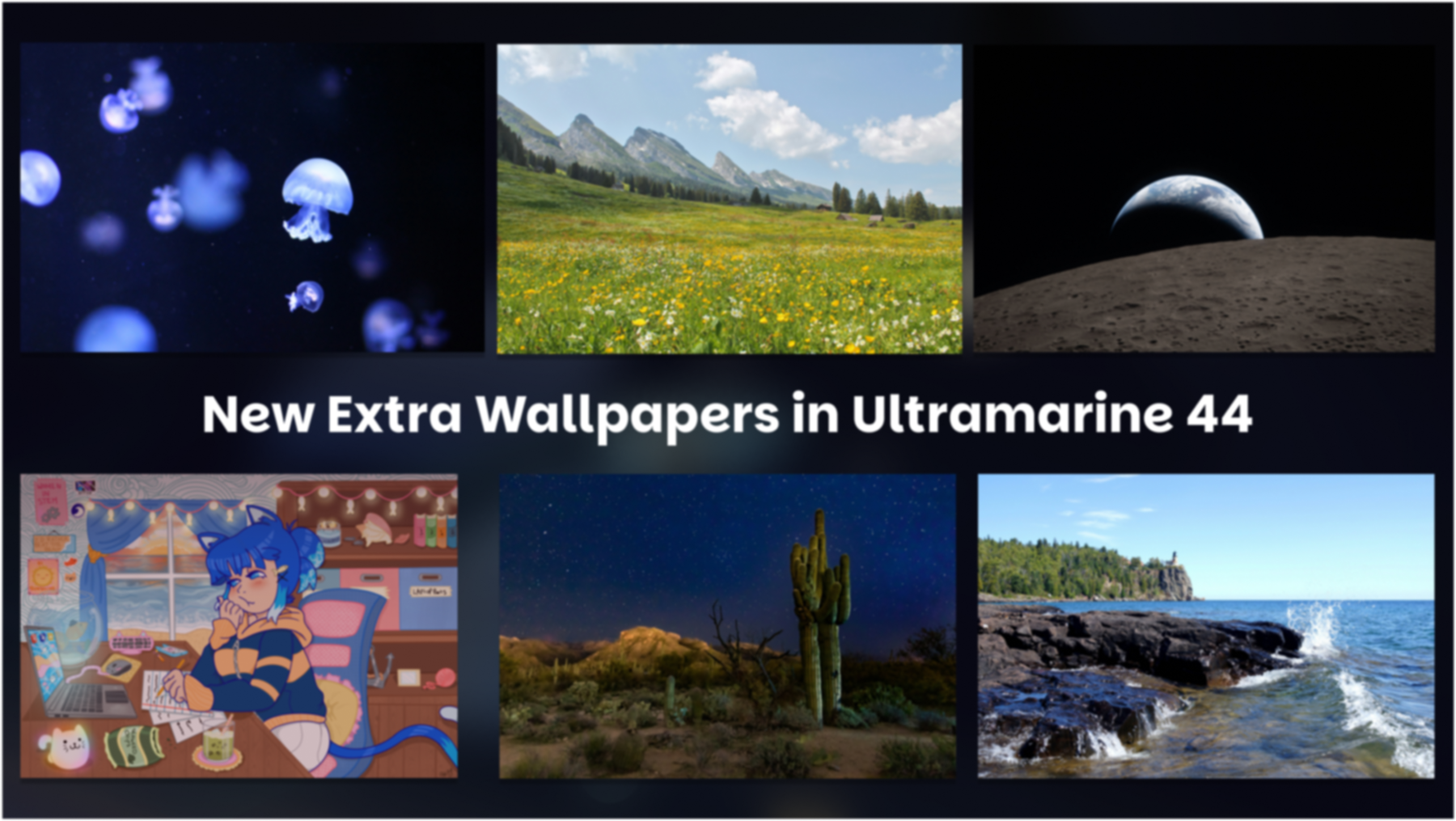
We tried to swap for wallpapers with the same vibe as the old ones, and added some nice new ones (like Split Rock, in the lower right). We hope you like them!
Out of Box Updates
Taidan, our out-of-box experience was cleaned up in 44. You can now set your hostname, enable the CachyOS kernel, and enable MTU probing during setup. We've also removed nightlight and shifted back to bundled RPMs for traditional installs. It should be a faster and smoother experience.
umcli Gets More Features
umcli's Nix installer tweak is out! Just run um tweaks enable nix to get started!
For users trying out Atomic in the near future, we also added support for creating a local bootc derivation, we don't suggest that most users try this, but if you know what you're doing um env is very powerful.
Anywhere Corner
Conversion Script for Asahi Linux
We're working on support for Apple Silicon Macs in Ultramarine, and have added support for converting Fedora Asahi Remix to Ultramarine. We hope to have an installable image of Asahi soon!
ROG Support
We've been hard at work with the ASUS Linux team to bring official support to Ultramarine! We're also now a recommended distribution for ROG Devices!
Fyra Labs and ASUS Linux are founding members of the Open Gaming Collective. We're excited to see the impact of our collaboration!
Raspberry Pi & WSL
Ultramarine 44 will be rolling to Raspberry Pi Imager in the next day, and to WSL on the Microsoft Store as soon as Microsoft reviews it.
Contributor Corner
Thank you to everyone who tested and contributed to Ultramarine 44, we appreciate every bit of help.
Thank you to all of our contributors this release:
- Jacob Secunda - Anda, Terra
- solomoncyj - Terra
- Olivia - Anda, Terra
- Ryan Bateman - Terra
- LionHeartP, Open Gaming Collective - Terra
- Anna Simmons - Terra
- Hikari, Open Gaming Collective - Terra
- Robert French - Terra
- Tulip Blossom, Open Gaming Collective - Bootc Support
- Hec - Bootc Support
- Renner - Bootc Support
- Zacharias Xenakis - Terra
- Veuxit - Terra
- Dmytro Loiko - Terra
- Hikari Hayashi - Terra
- Safri - Terra
- Jan - Terra, Anda
And to our core Terra and Ultramarine Teams, thank you all for your hard work.
Thank you to our monetary and hardware sponsors:
- University of Minnesota Association for Computing Machinery - Hosting
- Léo Doug Rey - $15
- Lauren - $15
- jonnjonzzn - $5
- markun8633 - $5
- Oliver Medhurst - $5
- Daryl Fisher - $5
- Arty - $5
- Garrus - $5
- Amy - $5
- Spider_Whisperer - $5
- Venus - $2
- MG from the Fyra Discord - Razer Hardware
Want to join this list? Sponsor us on GitHub, LiberaPay, or Ko-Fi! You'll support Ultramarine, Terra, and get some sweet perks.
If you'd rather donate hardware, please email ihaveachromebookidontwant@fyralabs.com.
This email is for all hardware, not just Chromebooks. If you're especially keen you can just email Owen.
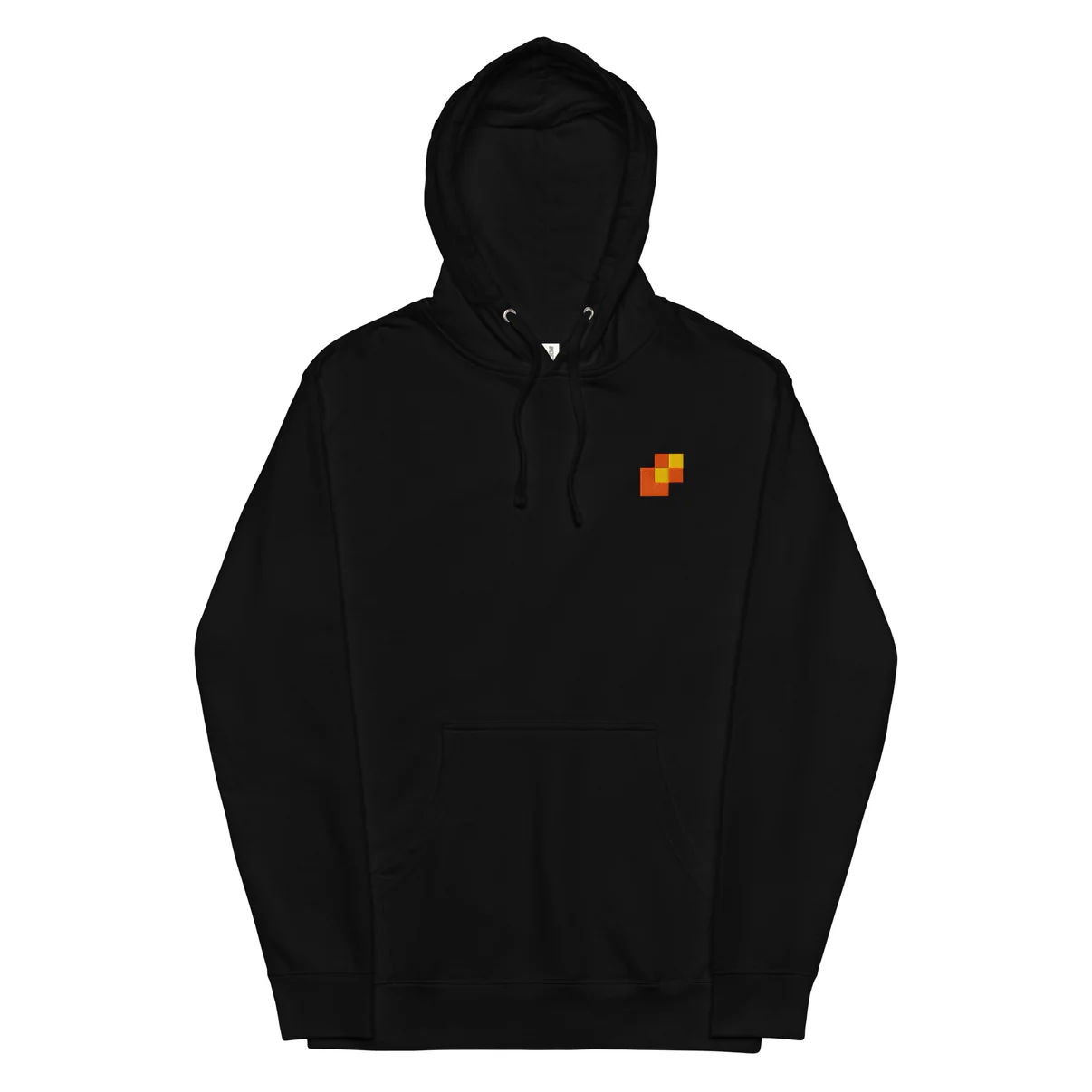
You can also grab some sweet merch from the Fyra Shop! All proceeds support Ultramarine, Terra, and so much more! We just launched a new hoodie, take a look!
Upgrading
It's easy to upgrade your existing Ultramarine install!
As with any upgrade, please take a backup beforehand.
Using Your App Store
All editions can be upgraded from their app stores! Check Discover on Plasma, or Software on Xfce, Budgie and GNOME, and follow the prompts there!
Using DNF System Upgrades
Run these commands to update the current install, and upgrade to Ultramarine 44:
sudo dnf upgrade
sudo dnf system-upgrade download --releasever=44
sudo dnf system-upgrade reboot
Converting from Fedora
Converting from Fedora is just as easy as always!
From Fedora 43 to Ultramarine 44
bash <(curl -s https://ultramarine-linux.org/migrate.sh)
sudo dnf system-upgrade download --releasever=44
sudo dnf system-upgrade reboot
From Fedora 44 to Ultramarine 44
bash <(curl -s https://ultramarine-linux.org/migrate.sh)Please make sure to back up your system before converting!
Installing a Fresh Copy
Follow the instructions on our wiki.
Getting Support
Join one of our Discord, the subreddit, or Open an Issue on GitHub. We'll get you going again in no time.


Comments ()